
On-device Linux environment
Configure a Linux environment on the device, install Python, Node.js and compatible dependencies, run code and preview web pages.
iOS / iPadOS · iPad first
Floe Agent is optimized for iOS and iPadOS, designed for iPad first with a native iPhone experience. It keeps model conversation, an on-device Linux environment, your files and finished work in one inspectable task.
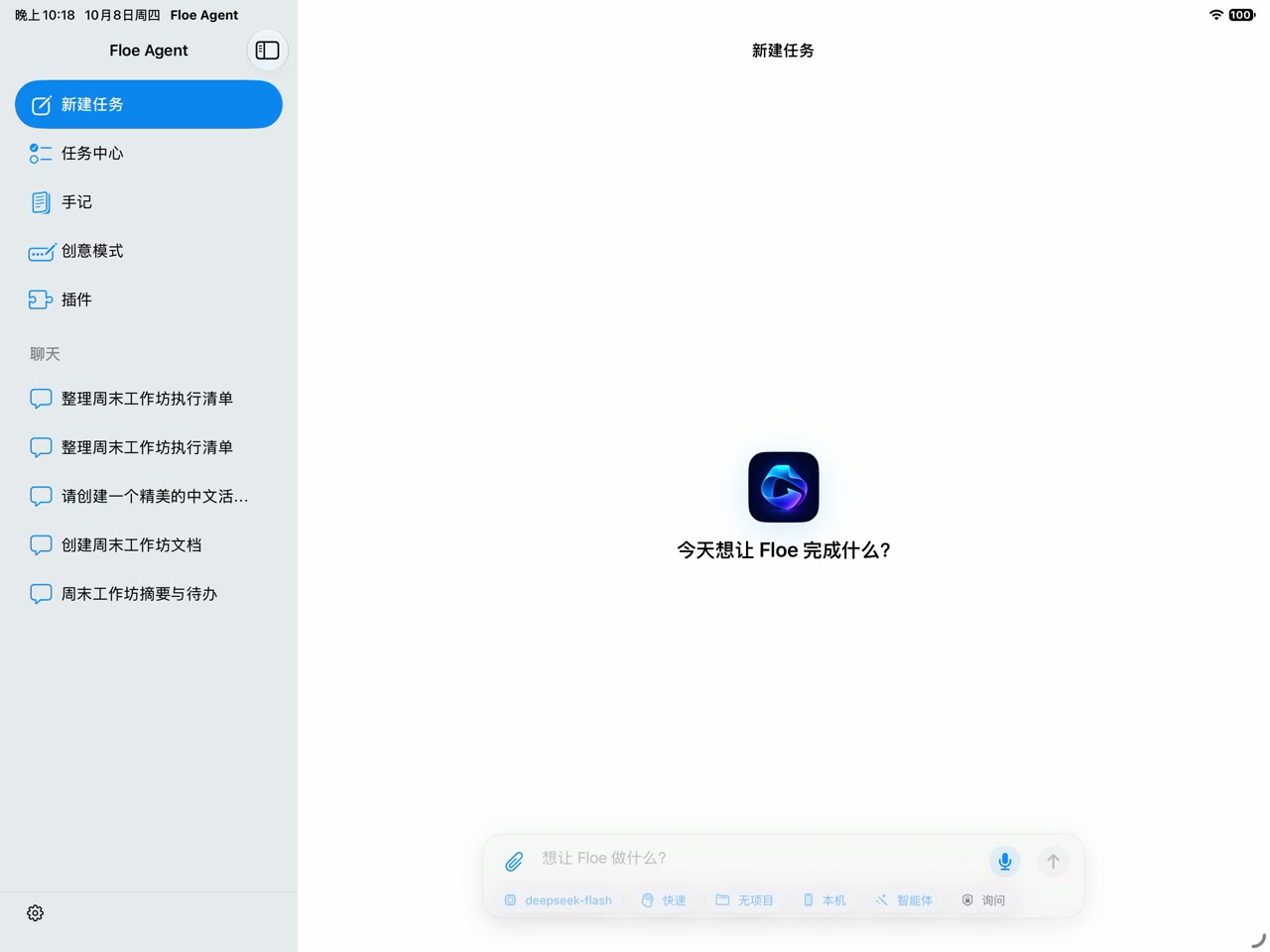
Keep models, files and tools in one task, with the process and the result in the same workspace.
Configure a Linux environment on the device, install Python, Node.js and compatible dependencies, run code and preview web pages.
Connect compatible cloud providers with keys kept on your device; supported Apple devices can also run supported local models.
Keep PDFs, Office files and generated results in one task. Annotate PDFs in Notes and preview AI edits in Office before applying them.
Reach authorized hosts through SSH, VNC and remote desktops. When using Floe on a Mac, Floe Bridge connects to the local terminal, files and MCP.
From reading and documents to development, the work stays in one workspace.
Annotate with Pencil, select the region you want to discuss, and review the document assistant’s changes before applying them.
Open DOCX, XLSX and PPTX files, combine hands-on editing with AI assistance, then save or share the result.
Install dependencies and run a project in the on-device Linux environment, check the preview, then return to the editor.
Use SSH or VNC to work with files and tools on a host you authorize.
Requires iOS or iPadOS 26.0 or later. The current channels are:
Download the unsigned IPA and checksums; installation requires your own signing method.
Add the Floe source to Feather or AltStore; installation eligibility still depends on how you sign.
Apply for the beta, then install through TestFlight once you have valid testing access.
The on-device Linux environment and supported local models can run on the device; cloud models, remote hosts and online services need a network.
The core workspace needs no Floe account. For cloud models, connect a compatible provider and keep your own key.
Only supported models on supported Apple devices; other models are used through the cloud provider you configure.
Floe currently installs from an unsigned IPA on GitHub Releases (signed by you), Feather and AltStore sources, or the TestFlight beta. Requires iOS or iPadOS 26.0 or later.