
Take an idea. Make it work.
AI, documents, creative work and development, connected on your device. Choose a workflow and make it yours.
Demos are recorded on iOS. Floe is designed for iOS and Android; feature availability varies by platform and release. See download and release notes for current availability.
Start exploringStart with a request. Keep a working file.
Connect your choice of model, add a skill when a task needs one, and bring the brief, execution and finished files into one continuing task.
- Set up your workspace
- Start with a recommendation, then choose your models, search, voice and workspaces. Keep setting up while resources download.
- Your choice of model
- Connect a cloud provider, or run a supported local model directly on your device.
- A continuing workspace
- Add requirements to the same task, keeping its files and context together.
- Visible progress
- Inspect tool actions and files, and confirm consequential operations.
- Continuous voice chat
- Hold continuous voice conversations, hear replies read aloud and interrupt a reply in progress.
- Skills inside tasks
- Browse the Skill Hub, install skills, keep them updated and put them to work in your tasks.
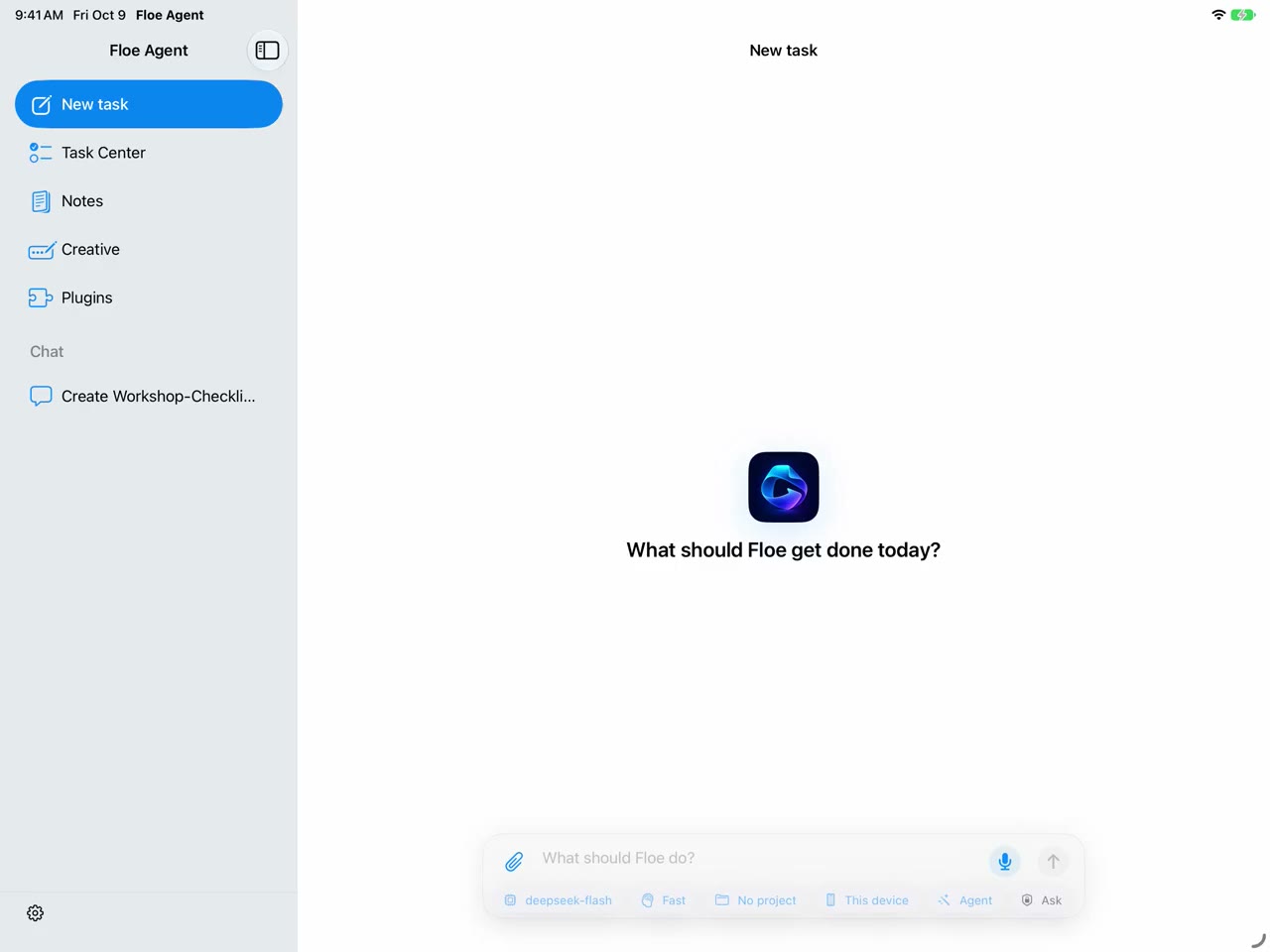
Read, write and ask. On the same page.
Keep PDFs, images and notes in an independent library. Annotate with Pencil and ask the document assistant about a page or selection.
- Find your material
- Search titles and document text, then jump to the matching page.
- Ask about what you see
- Select a region and review the assistant’s proposed changes before applying them.
- Keep and share
- Export PDF or .floenote archives. Notes remain independent of chat tasks.
PDF annotation is supported; editing original PDF text is not.
Read the guide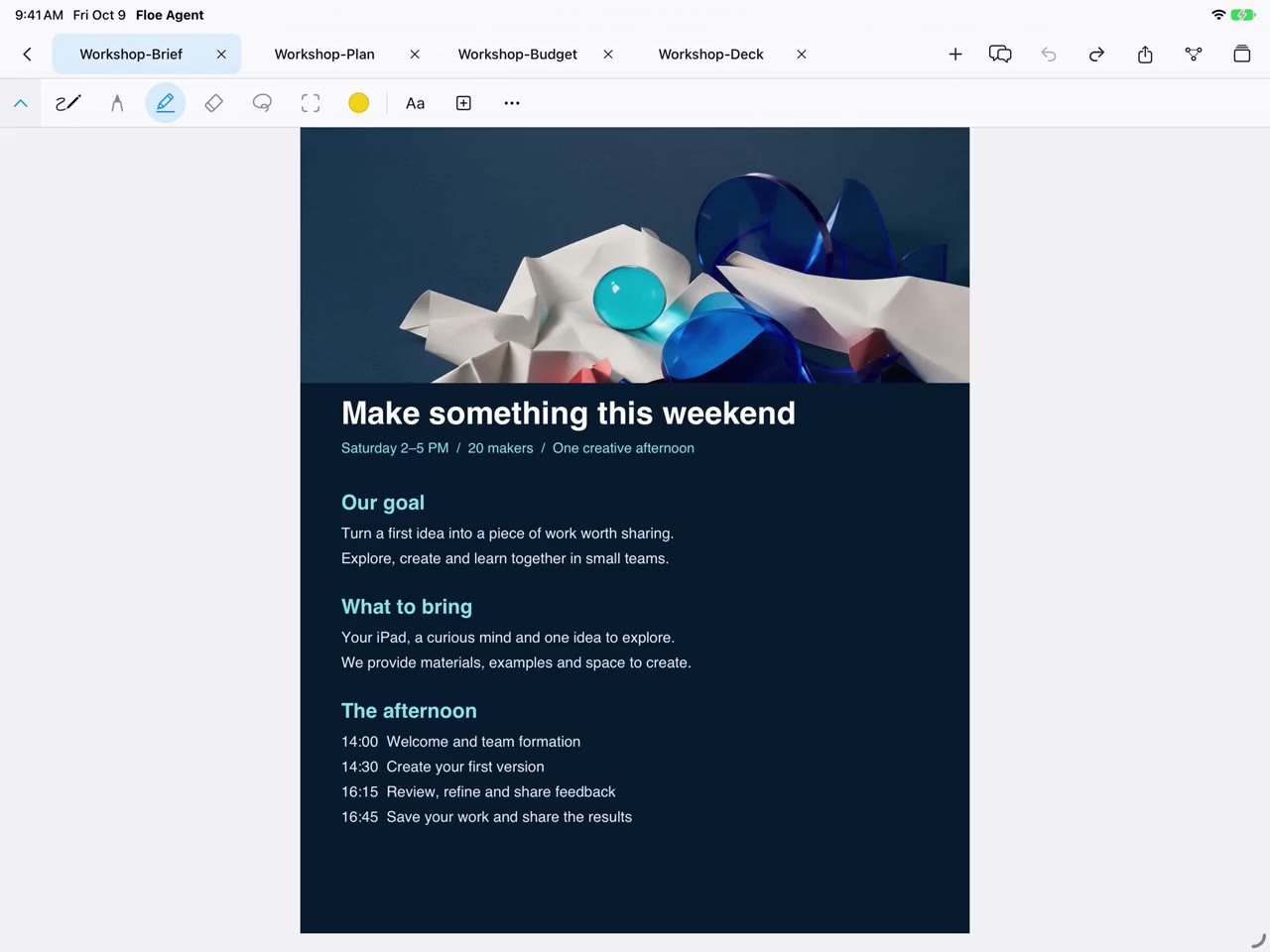
Plans, budgets, slides. Pick up where you left off.
Work with DOCX, XLSX and PPTX in the same workspace. Combine hands-on editing with AI assistance, then save or share your files.
- Three familiar formats
- Open documents from tasks or the file panel without moving attachments between apps.
- Preview AI changes
- Ask for a revision, inspect its preview and confirm to apply.
- Files you can keep using
- Save your edits and export or share with your next collaborator.
Available operations vary by format. Check complex layouts after saving.
Read the guide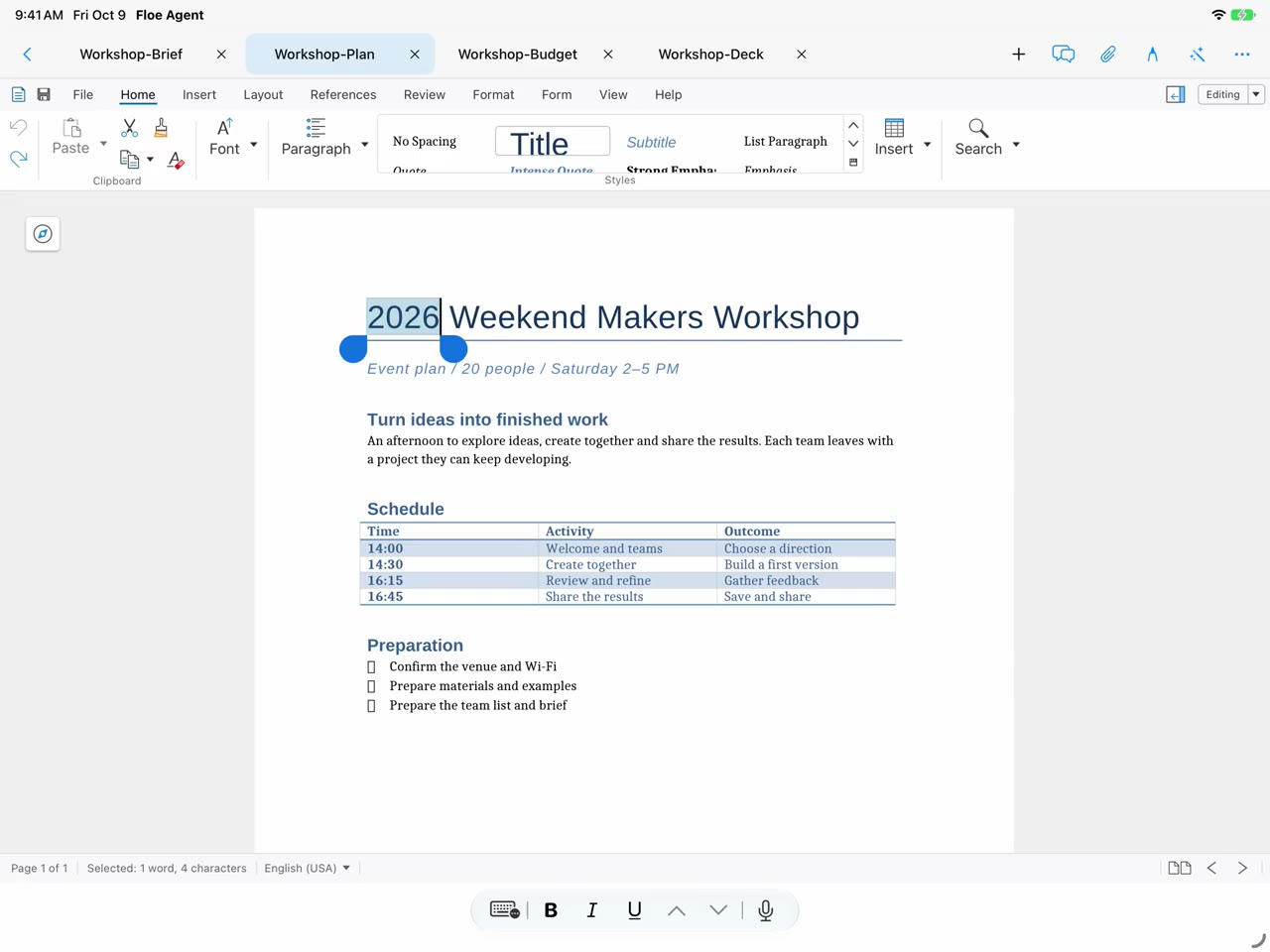
One canvas. A whole creative project.
Organize text, images, video and drawings together. Open a focused editor for the details, then return to the bigger picture.
- Image editing
- Crop, selections, masks, layers, text and color adjustments in projects you can reopen.
- Video editing
- Trim and arrange clips, add music, fades, captions and transitions.
- AI creation
- Choose a model and references, review parameters and accept results into your project.
AI generation requires a configured provider and may incur provider charges.
Read the guide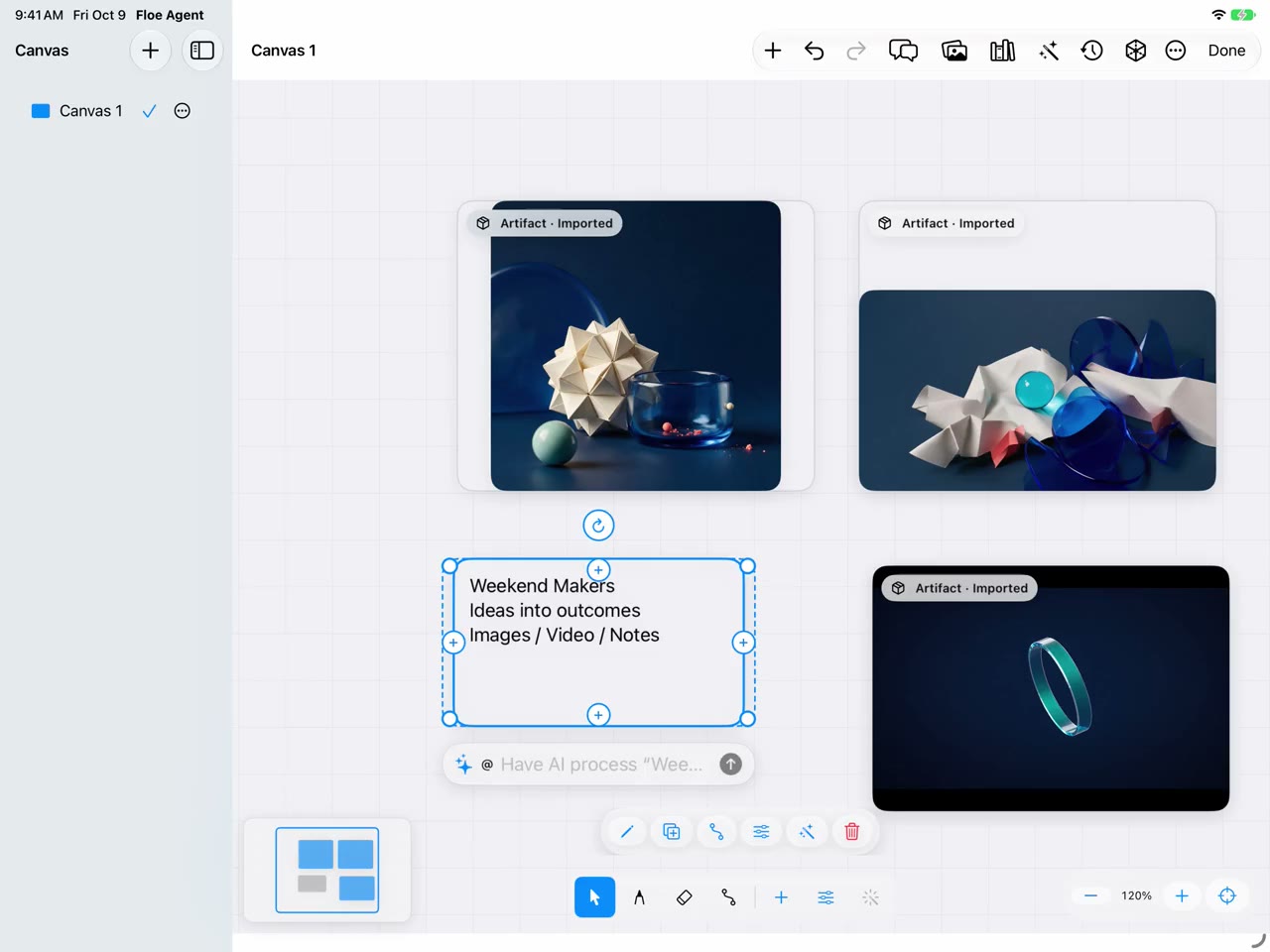
From 2D drawings to native 3D models.
On iOS / iPadOS, edit 2D DWG/DXF entities or create native models in the on-device 3D workbench — have the assistant keep refining holes, fillets and dimensions, apply materials, then present or export.
- Draw and edit in 2D
- Lines, circles, arcs, polylines, text, dimensions and leaders, with move, copy, rotate, trim and offset.
- Native 3D workbench
- Create .floecad models with local edits, assemblies, drawings and simple animation.
- Continued assistant edits
- Let the assistant inspect the model, change dimensions and holes, and save; apply materials, present, then export PNG, GLB or STEP.
Imported 3D files do not acquire native parametric history; DWG/DXF blocks, external references, splines and proxy content remain read-only. Android CAD/3D preview is still planned.
Read the guide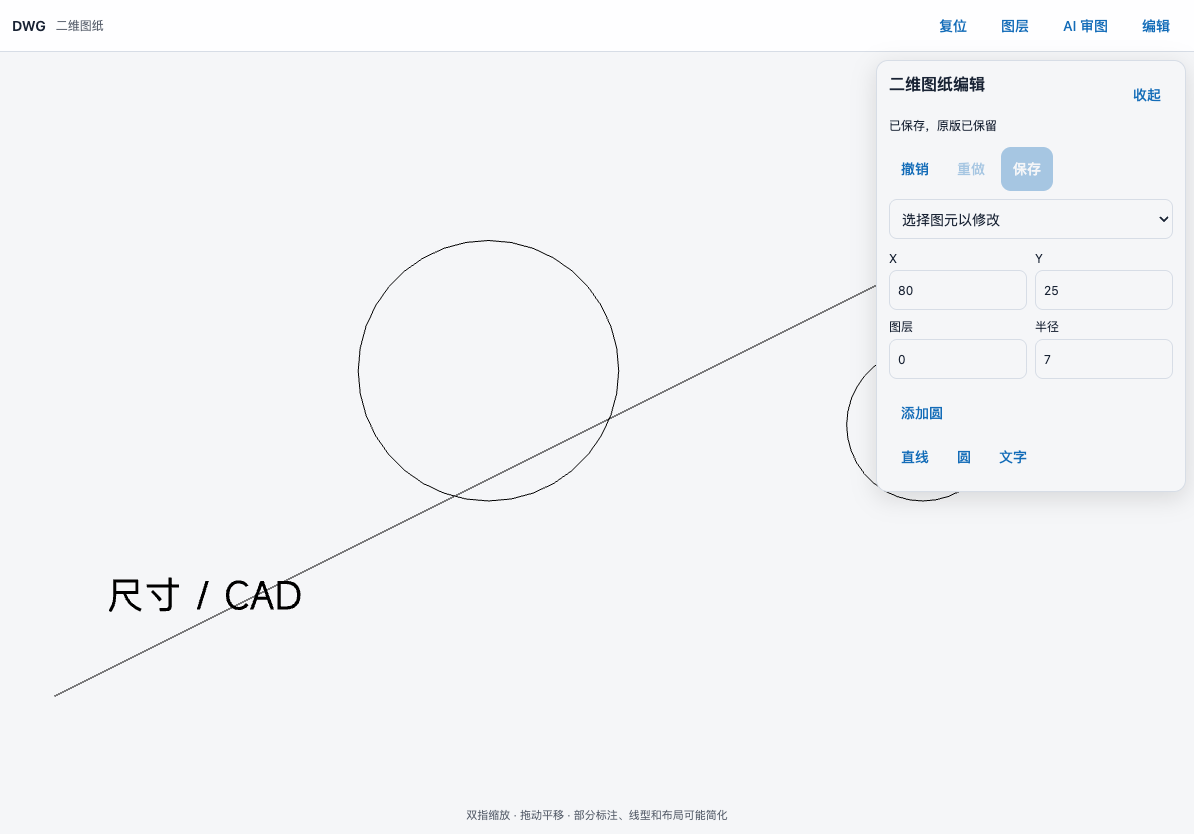
Write it. Run it. See it working.
Move from code editing to web previews, Git, an on-device Linux environment and remote hosts. Bring your device into your development workflow.
- On-device Linux environment
- Configure the on-device Linux environment for a task and install Python, Node.js and compatible dependencies.
- Source control
- Review diffs, commit and push, and inspect GitHub Actions runs.
- Your own machines
- Work on authorized hosts through SSH, VNC and remote desktops.
Local execution depends on device memory and Linux package compatibility.
Read the guide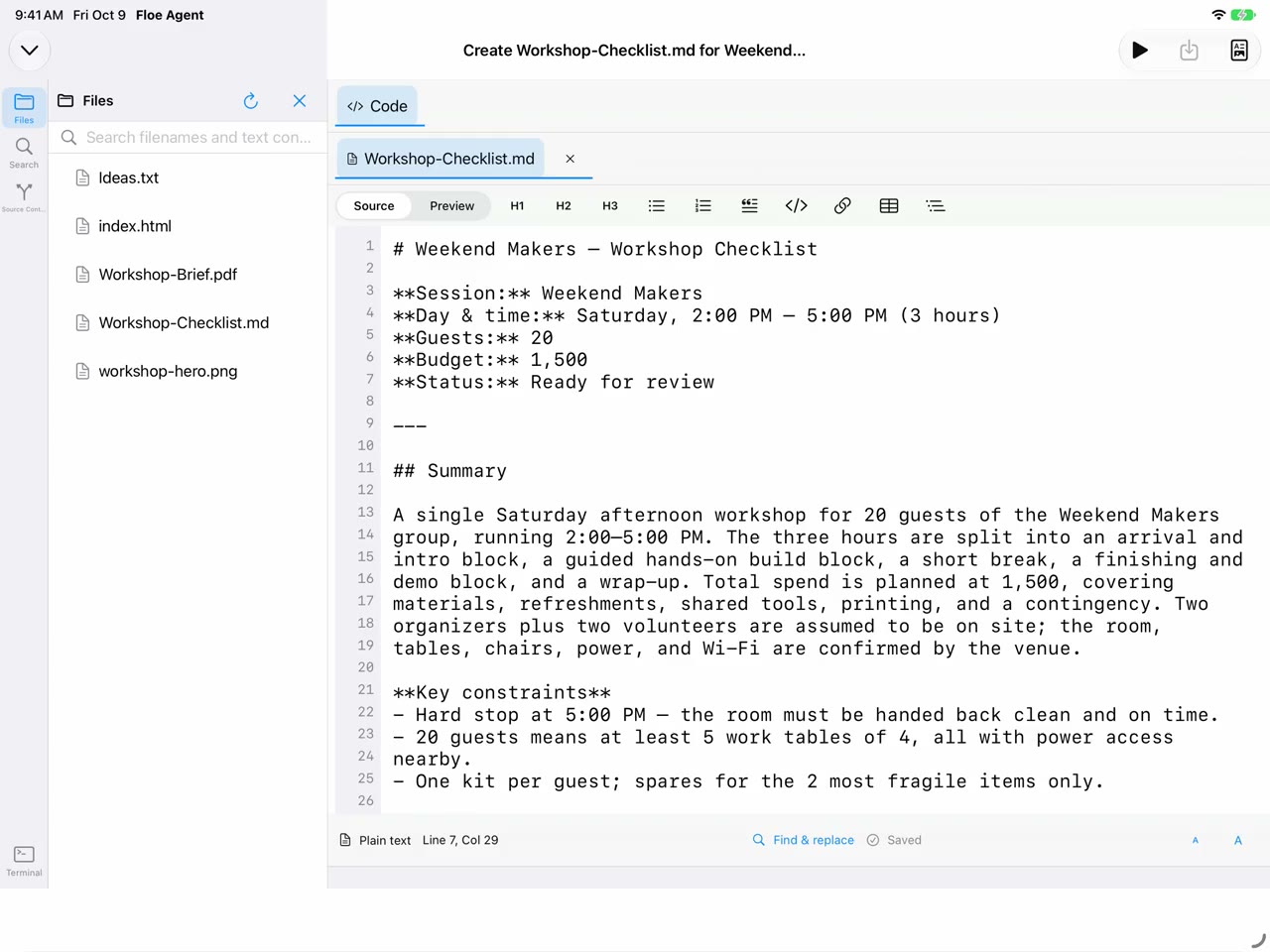
See Floe at work.
From a request to documents, code and creative work. A 95-second look inside the workflow. (Recorded on iOS)