Overview
Create and edit real Word, Excel and PowerPoint files: turn bullet points into a structured document, a workbook with formulas, or a deck whose charts are genuine editable charts backed by their own data — not pictures of charts. When revising an existing file, it reads the structure first, then changes text, styles, rows and columns, frozen headers, sorting and filters, or slide order and alignment, exactly where intended.
Every change saves as a new file that gets reopened and confirmed; automated edits produce a checked copy you can compare against the original. Conversions between Word, Markdown, HTML and RTF run locally on the device without retyping your content.
Worth knowing: formula-result checking covers common functions, not a full spreadsheet engine; operations tied to what's selected in the editor wait for you there; complex layouts deserve a quick look after conversion.
Where it helps
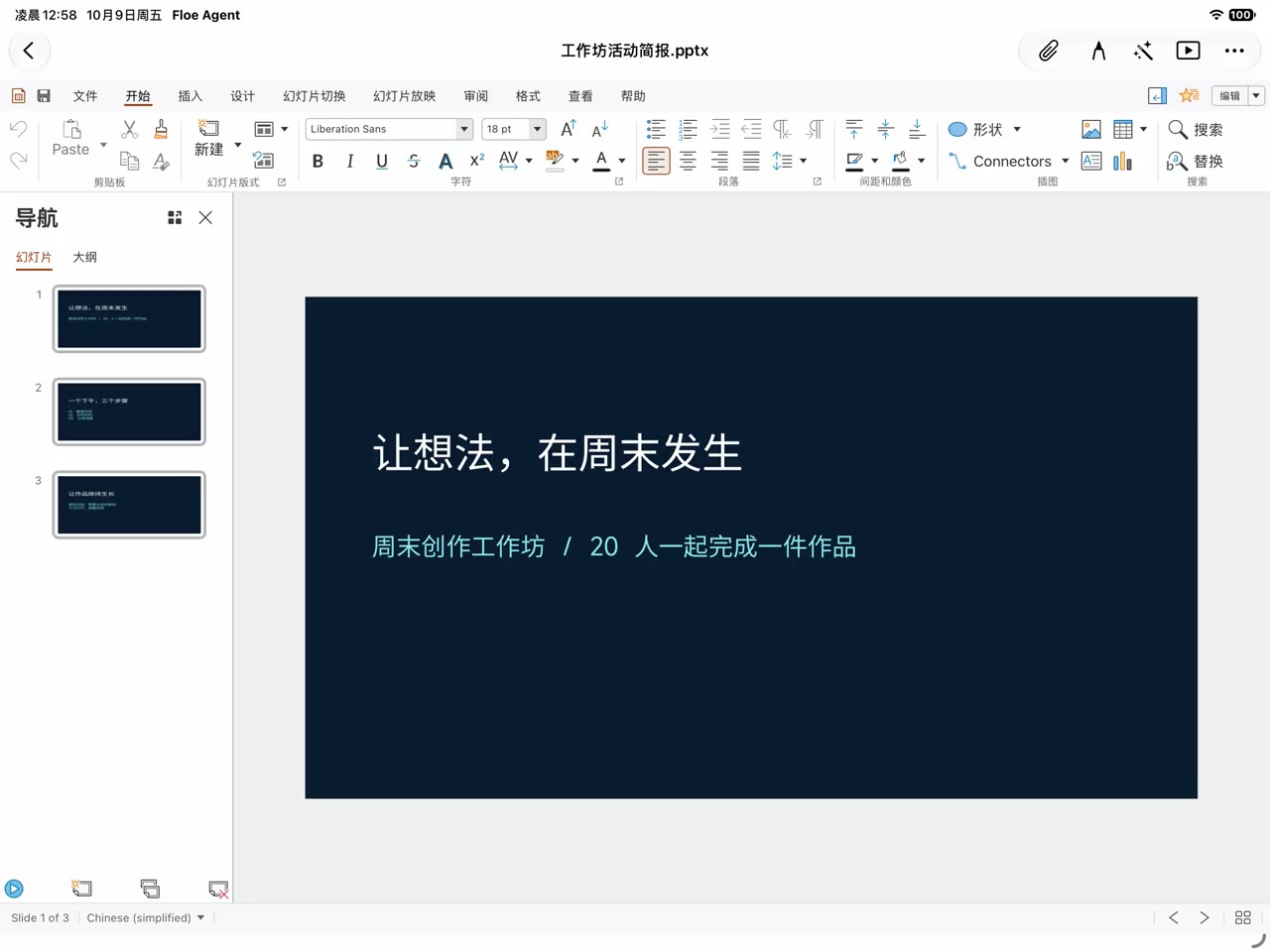
- Turn notes or a report into a deck with editable, real-data charts
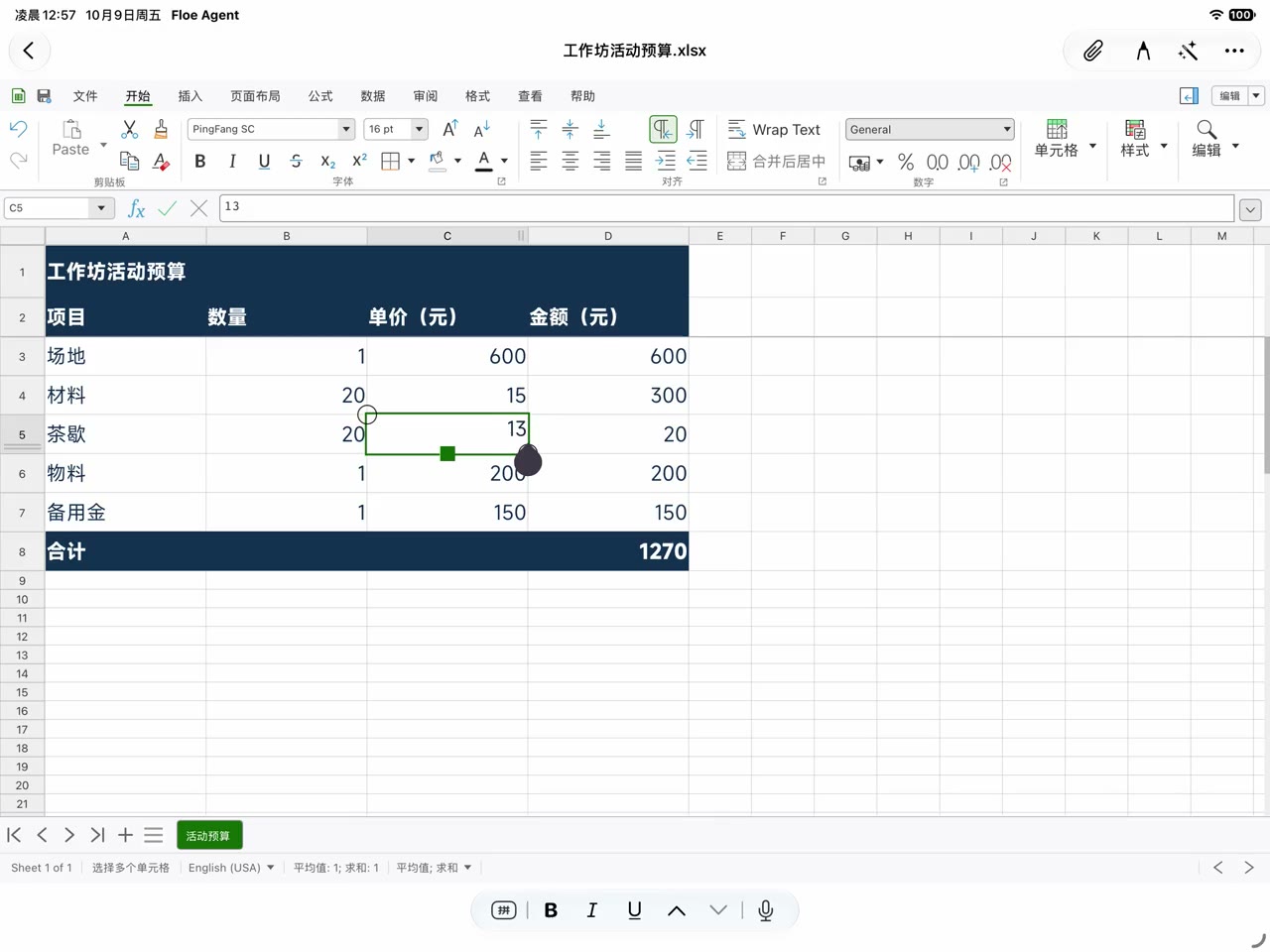
- Build a budget workbook with number formats, a frozen header and sorting
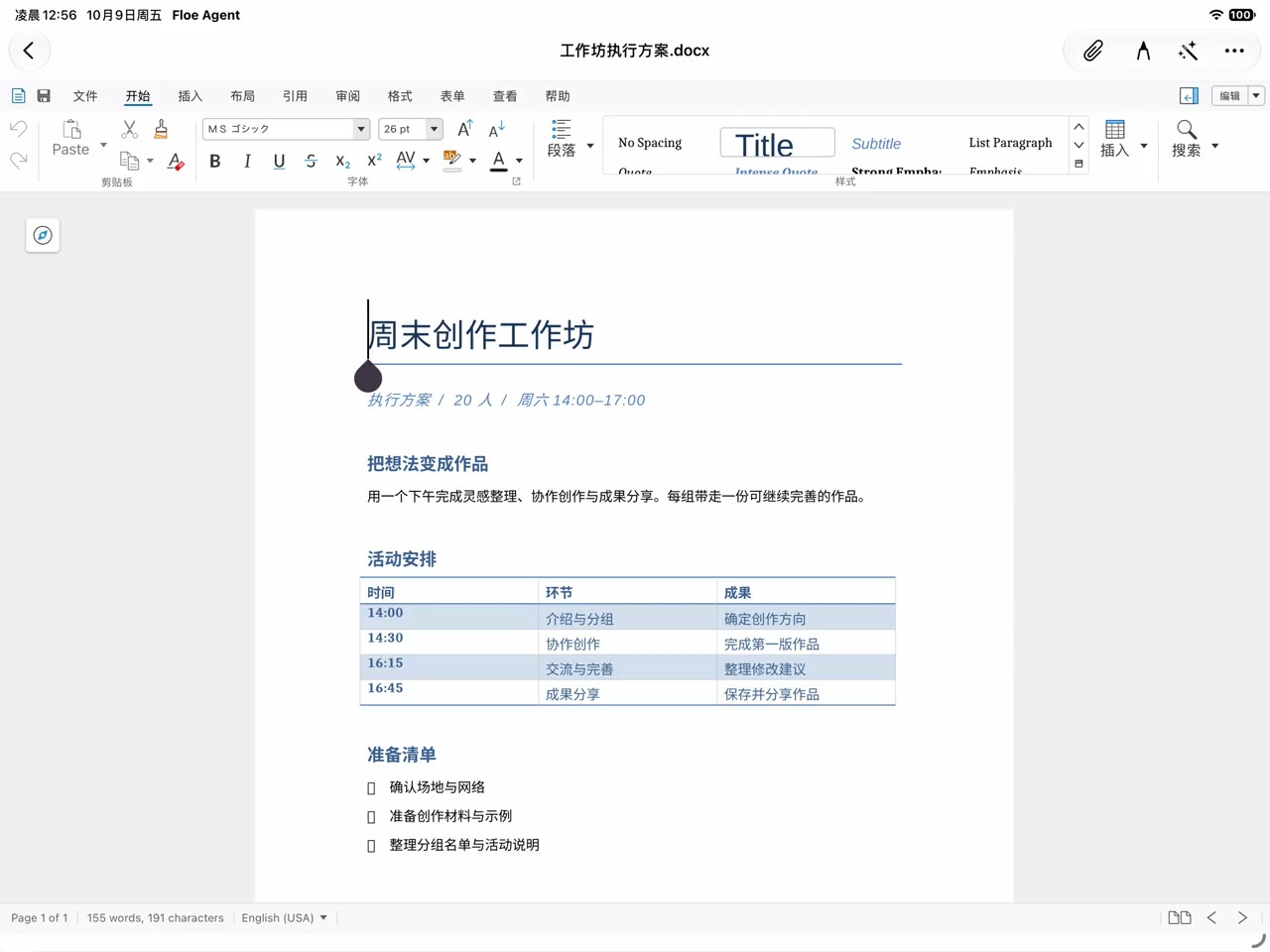
- Replace exact wording and styles in an existing Word file without touching the original
- Convert a set of Markdown documents to Word or HTML offline
#office#DOCX#xlsx#pptx#charts
Related artwork
Examples
Examples describe the request and the shape of the expected deliverable; they are not completed run results.
01Example prompt
Make an 8-slide quarterly review deck from this data: a bar chart for the trend, a pie for channel share, and the charts must stay editable with their data.
Expected output
A presentation whose charts carry real, editable data; slides, charts and text confirmed by reopening the file.
02Example prompt
Sort the expense sheet by amount descending and freeze the top row — the first row is a header, not data.
Expected output
A verified edited copy (original untouched), sorting and the frozen row confirmed on reopening, header left in place.
03Example prompt
Replace every old product name in this Word manual with the new one without disturbing the styles, then show me what changed.
Expected output
A new file with a change list per replacement; if the document changed meanwhile it re-reads first instead of overwriting.
Requirements and limits
- Install platforms
- iOS
- Script runtime
- No script runtime (guidance and workflow)
- Minimum app version
- 1.7.59
Implementation and runtime details
License and source
Source and trace details
License
MPL-2.0
First-party Floe original; the full license text ships with the package.
- Source
- https://github.com/JiangNanGenius/floe-agent
- Repository path
- skill-hub/sources/floe-office
- Source checked
- 2026-10-26
- Staged version
- 1.5.0
- Catalog snapshot (UTC)
- 2026-10-31
- Publisher
- JiangNanGenius
Publication commit 25e07dbeeb, audited source 84c524b6fb; catalog digest iOS 46196ba57ed7… · Android 16de89d019e2….
Versions and status
Built-in skills ship and update with the app; there is no separate store version record.
- Adaptation
- Built into the app
- Version
- Included with the app